Resizable
A resize handle between panels, as Avalonia's GridSplitter.


<Border BorderBrush="{DynamicResource UIKit.Border}" BorderThickness="1" CornerRadius="5.5" Width="480" Height="140" HorizontalAlignment="Left">
  <Grid>
    <Grid.ColumnDefinitions>
      <ColumnDefinition Width="160" MinWidth="80" />
      <ColumnDefinition Width="1" />
      <ColumnDefinition Width="*" MinWidth="80" />
    </Grid.ColumnDefinitions>
    <TextBlock Text="Sidebar" Margin="12" />
    <GridSplitter Grid.Column="1" ResizeDirection="Columns" />
    <TextBlock Grid.Column="2" Text="Content" Margin="12" />
  </Grid>
</Border>Usage
Put a GridSplitter in a 1px column or row of a Grid and set ResizeDirection to Columns or Rows: the theme keys the handle's orientation on it. The handle is a 1px hairline in the border color inside a 9px band that takes the pointer and overlaps both panels. A muted pill grows along it and fades in with the state over 120ms: hovered 20px at 35%, pressed 28px at 60%, dragging 44px at 90%; keyboard focus shows the hovered pill. The panels resize with the grid's definitions, so put the limits there (MinWidth, MinHeight). To leave out the 1px column, put the splitter at the start of the second panel's cell with ResizeBehavior="PreviousAndCurrent" and give each panel MinWidth="100".
Examples
ResizeDirection="Rows" in a 1px row.
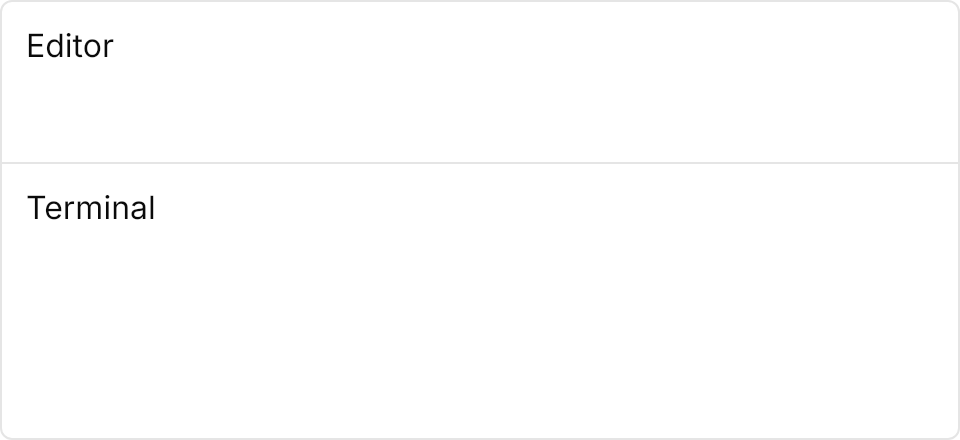

<Border BorderBrush="{DynamicResource UIKit.Border}" BorderThickness="1" CornerRadius="5.5" Width="480" Height="220" HorizontalAlignment="Left">
  <Grid RowDefinitions="80,1,*">
    <TextBlock Text="Editor" Margin="12" />
    <GridSplitter Grid.Row="1" ResizeDirection="Rows" />
    <TextBlock Grid.Row="2" Text="Terminal" Margin="12" />
  </Grid>
</Border>A splitter in each direction, the second grid nested in the first's column.
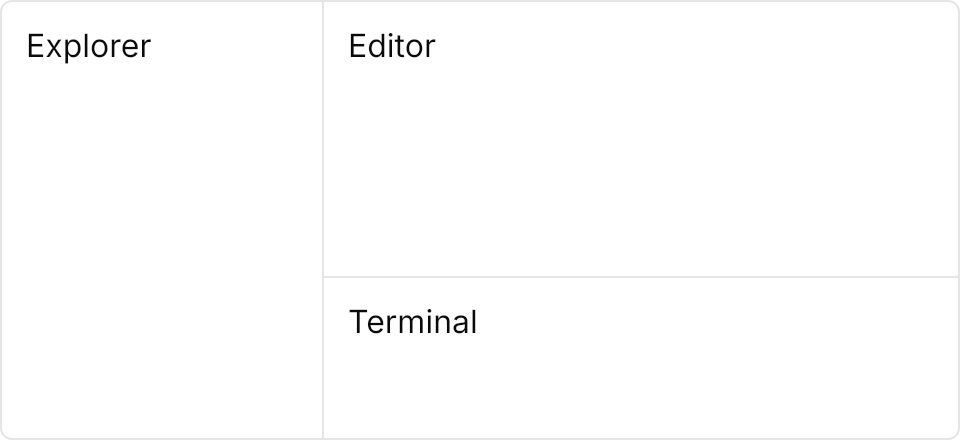

<Border BorderBrush="{DynamicResource UIKit.Border}" BorderThickness="1" CornerRadius="5.5" Width="480" Height="220" HorizontalAlignment="Left">
  <Grid ColumnDefinitions="160,1,*">
    <TextBlock Text="Explorer" Margin="12" />
    <GridSplitter Grid.Column="1" ResizeDirection="Columns" />
    <Grid Grid.Column="2" RowDefinitions="*,1,80">
      <TextBlock Text="Editor" Margin="12" />
      <GridSplitter Grid.Row="1" ResizeDirection="Rows" />
      <TextBlock Grid.Row="2" Text="Terminal" Margin="12" />
    </Grid>
  </Grid>
</Border>Not covered
- Registering panels and saving and restoring their sizes.