Virtual List
A virtualized list with the List's rows, as ListBox over a VirtualizingStackPanel.
ExampleInteractive
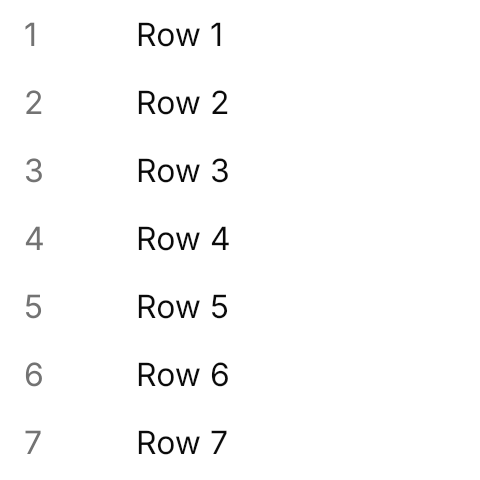
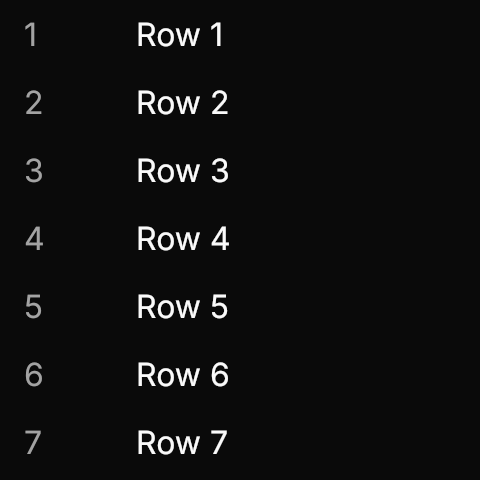
<ListBox Width="240" Height="240" HorizontalAlignment="Left"
         ItemsSource="{x:Static local:VirtualRow.Samples}">
  <ListBox.ItemTemplate>
    <DataTemplate x:DataType="local:VirtualRow">
      <StackPanel Orientation="Horizontal" Spacing="8">
        <TextBlock Text="{Binding Number}" Width="48" Foreground="{DynamicResource UIKit.MutedForeground}" />
        <TextBlock Text="{Binding Title}" />
      </StackPanel>
    </DataTemplate>
  </ListBox.ItemTemplate>
</ListBox>Usage
ListBox virtualizes with a VirtualizingStackPanel by default, and the theme keeps that panel, so the rows and the overlay scrollbar of the List apply to long lists as they are. Bind ItemsSource and give the row a DataTemplate in ItemTemplate; the demo lists ten thousand records, and only the rows in view are realized. A virtual list looks the same as the List, so there is no class to add.
Not covered
- The scroll handle API.
- Two-dimensional virtualization.