Sheet
A panel sliding in from a side over the dimmed content, as DrawerPage in its overlay mode.
ExampleInteractive
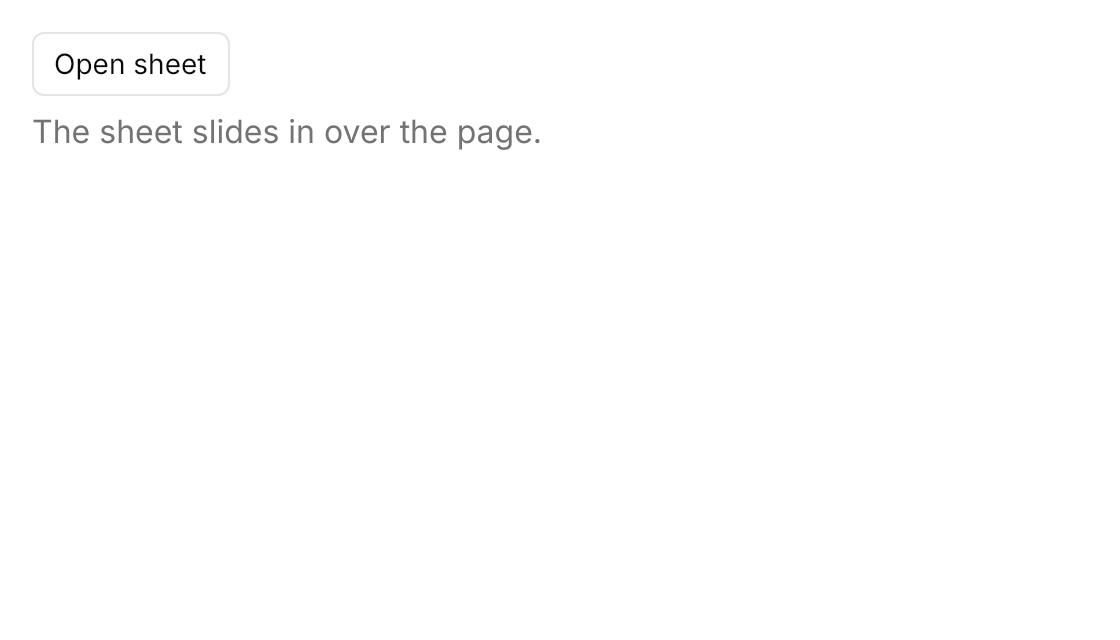

<DrawerPage Name="Sheet" Classes="sheet" DrawerBehavior="Flyout" DrawerPlacement="Right" DrawerHeader="Edit profile"
            Width="560" Height="320" HorizontalAlignment="Left">
  <DrawerPage.Drawer>
    <StackPanel Spacing="12">
      <TextBlock Text="Make changes to your profile here. Click save when you're done."
                 Foreground="{DynamicResource UIKit.MutedForeground}" TextWrapping="Wrap" />
      <TextBox Text="Jason Lee" />
      <TextBox Text="@huacnlee" />
    </StackPanel>
  </DrawerPage.Drawer>
  <DrawerPage.DrawerFooter>
    <Button Classes="primary" Content="Save changes" />
  </DrawerPage.DrawerFooter>
  <StackPanel Spacing="8" Margin="16" HorizontalAlignment="Left" VerticalAlignment="Top">
    <Button Classes="outline" Content="Open sheet" HorizontalAlignment="Left" Click="OnOpenSheet" />
    <TextBlock Text="The sheet slides in over the page." Foreground="{DynamicResource UIKit.MutedForeground}" />
  </StackPanel>
</DrawerPage>Usage
DrawerPage Classes="sheet" DrawerBehavior="Flyout" is the sheet. The page is the DrawerPage's content; the sheet is Drawer, with DrawerHeader as its title row (semibold, with the close button) and DrawerFooter under the body. When IsOpen becomes true the sheet slides 100px in from its edge over 150ms over the content dimmed with the theme overlay, and it goes at once when it closes. In the demo above, the button's Click handler sets IsOpen to true.
| Property | Meaning |
|---|---|
IsOpen | Opens and closes the sheet. |
DrawerPlacement | The side it slides in from: Left, Right, Top or Bottom. |
DrawerLength | Its width, or height from the top or bottom; 350 by default. |
DrawerHeader, Drawer, DrawerFooter | The title row, the body and the footer. |
BackdropBrush | The dimming; {x:Null} for none. |
To open the sheet under the 34px Title Bar, set the UIKit.Sheet.Margin resource.
Examples
The four sides at 240px; each button's Click handler sets DrawerPlacement from its Tag and opens the sheet.


<DrawerPage Name="Sheet" Classes="sheet" DrawerBehavior="Flyout" DrawerPlacement="Right" DrawerLength="240" DrawerHeader="Settings"
            Width="560" Height="320" HorizontalAlignment="Left">
  <DrawerPage.Drawer>
    <TextBlock Text="Sheet content" Foreground="{DynamicResource UIKit.MutedForeground}" />
  </DrawerPage.Drawer>
  <WrapPanel ItemSpacing="8" LineSpacing="8" Margin="16" HorizontalAlignment="Left" VerticalAlignment="Top">
    <Button Classes="outline" Content="Left" Tag="Left" Click="OnOpenSheet" />
    <Button Classes="outline" Content="Right" Tag="Right" Click="OnOpenSheet" />
    <Button Classes="outline" Content="Top" Tag="Top" Click="OnOpenSheet" />
    <Button Classes="outline" Content="Bottom" Tag="Bottom" Click="OnOpenSheet" />
  </WrapPanel>
</DrawerPage>Not covered
- Several sheets at once.
- Resizing the sheet by dragging.