Interactive

<gpui:ShimmerText Text="Thinking about it…" />Usage
gpui:ShimmerText shows its Text with a highlight sweeping across it. As in GPUI Kit, the glyphs are painted again twelve times, each clipped to a narrower band around the sweep's center, in a color mixed from the text color toward the theme's background (the foreground on a dark theme). The text's size and color are the app's: set FontSize and Foreground as on a TextBlock. Each instance runs its own clock.
Examples
The default sweep, a muted text, a reversed sweep, a 14px text, and a faster and wider band.
Interactive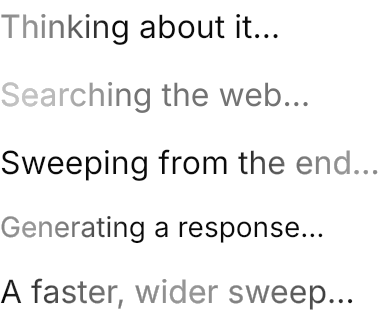
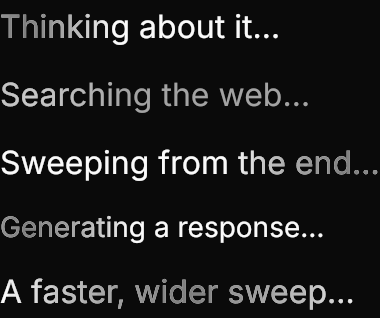
<StackPanel Spacing="8" HorizontalAlignment="Left">
  <gpui:ShimmerText Text="Thinking about it…" />
  <gpui:ShimmerText Text="Searching the web…" Foreground="{DynamicResource Gpui.MutedForeground}" />
  <gpui:ShimmerText Text="Sweeping from the end…" IsReversed="True" />
  <gpui:ShimmerText Text="Generating a response…" FontSize="14" TextBlock.LineHeight="22.5" />
  <gpui:ShimmerText Text="A faster, wider sweep…" Duration="0:0:1" Spread="0.5" />
</StackPanel>Not covered
- Synchronizing the sweep of several texts on one clock (
repeat_synced). - An absolute band width.